I Built an Agent-Operated Design Canvas. Here is What I Learned About Agentic Architecture.
Share article
Originally published on Medium
How JSON-driven state, LLM orchestration, and Fabric.js come together to let an AI design in real time.
The first time I watched an AI agent build a website in real time, something shifted in how I understood agents. Most agent work is invisible: you send a prompt, wait, and get a result. But watching Lovable work live, seeing layouts shift and text update as if a hidden designer was operating the screen, made the potential feel tangible in a way no demo video ever had.
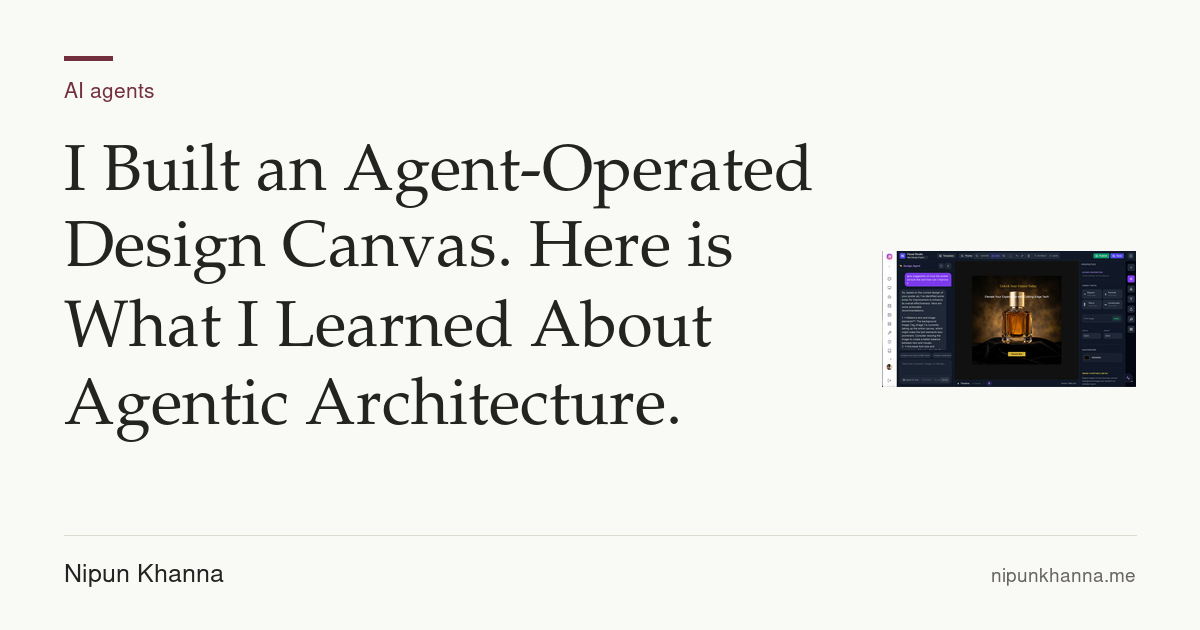
I wanted to recreate that experience for graphic design. So I built Niki (Nikistudio.cloud): an agent-operated canvas where you can watch AI create fully editable ad campaigns in real time. This post is about how I architected it, what I learned, and why I think agent-operated UIs are one of the more interesting problems in the current AI landscape.

The Core Idea: Agent as Operator
Most AI design tools generate a static image. You prompt, you get a PNG, you move on. What I wanted was different: a workspace where the agent actively operates the canvas the way a human designer would, placing elements, adjusting layouts, responding to feedback, all in real time, with every element remaining manually editable afterward.
Think Canva, but the agent is the one dragging and dropping while you direct it.
The Architecture
The UI is built with React and Fabric.js, which handles the HTML5 canvas layer. But the real design decision was how the agent communicates with the canvas. Here is how it works:
1. JSON-Driven State
The entire workspace is a structured JSON schema. The agent never simulates clicks or touches the DOM. Instead it directly manipulates properties within this state: coordinates, text nodes, layer hierarchies, asset references, styling attributes.
json
{
  "version": "6.0.0",
  "objects": [
    {
      "type": "textbox",
      "id": "headline",
      "text": "Summer Sale",
      "left": 120,
      "top": 200,
      "width": 800,
      "fontSize": 64,
      "fontWeight": "bold",
      "fill": "#FF3366"
    },
    {
      "type": "image",
      "id": "bg_element",
      "src": "/assets/bg.jpg",
      "left": 0,
      "top": 0,
      "scaleX": 1.5,
      "scaleY": 1.5
    }
  ],
  "background": "#ffffff"
}
Fabric.js watches this state and maps any change to the canvas instantly. This means the agent and the human user are both operating the same source of truth. The human can override any element at any point without breaking the agent’s context.
2. Orchestration Flow
When you send a prompt like “create a summer sale campaign in a bold red and white palette”, an orchestration LLM handles intent parsing. It breaks down what the campaign needs: the layout structure, the copy, the visual hierarchy, the assets to place. This layer sits between your prompt and the execution agent, acting as a planner that sequences the steps before any canvas changes happen.
This is a standard pattern in agentic systems. What I found useful was keeping the orchestration LLM focused purely on planning and passing structured instructions downstream, rather than having a single model try to both plan and execute.
3. Real-Time Execution
As the execution agent streams modifications to the JSON, Fabric.js maps those updates to the canvas in real time. You watch text blocks being placed, elements resizing, and the layout adjusting live. At any point you can jump in, move something, change the copy, and the agent picks up from the updated state on its next instruction.
This is the part that changes the experience. You are not waiting for a result. You are watching the system work.
What I Learned About Building with Agentic Architecture
The technical side was only part of it. Here is what actually surprised me:
Prompt design is architecture. How you structure the instructions that flow between your orchestration layer and your execution agent shapes everything downstream. Vague prompts produce inconsistent JSON. Precise, structured prompts produce canvas changes that look intentional.
State management is your biggest constraint. Because the agent is continuously modifying a shared JSON state, you need to think carefully about conflict resolution when the human user edits at the same time. I handled this by giving human edits a higher priority layer and having the agent re-read state before each modification.
You do not need a large engineering team to ship this. I designed the agentic architecture and orchestration flows, defined the prompts, and AI handled a significant chunk of the actual implementation. What you need is not headcount. It is architectural clarity on what you are building and why.
Why Agent-Operated UIs Matter
When AI becomes the primary operator of an interface, the entire premise of UI design shifts. Interfaces no longer need to be optimized for human clicks. They can be optimized for agents making changes, iterating, and working toward outcomes.
This is not a small change. It means layout, state structure, and interaction models all get rethought from first principles for a new kind of user.
We are moving from using software to directing systems that use software on our behalf. The interfaces that get built for that transition are going to look very different from what we have now.
What is Next
Next up: updating the agent to generate and edit short video timelines directly inside the canvas. Same architecture, extended to time-based media.
If you are building something in the agent-driven UI space, I would love to compare notes.
Nikistudio.cloud
Tags: AI, Agentic AI, React, Fabric.js, LLM, Building in Public, Generative AI, Product Development